

The free plugin
Everything Movebase Does For Your WordPress Site
Back up, restore and move WordPress with checks at every step. Every feature on this page is in the free plugin: no locked buttons, no upgrade screens.
Three Jobs, Done Properly
Everything below is in the free plugin. No upgrade screens, no locked buttons.
Back up
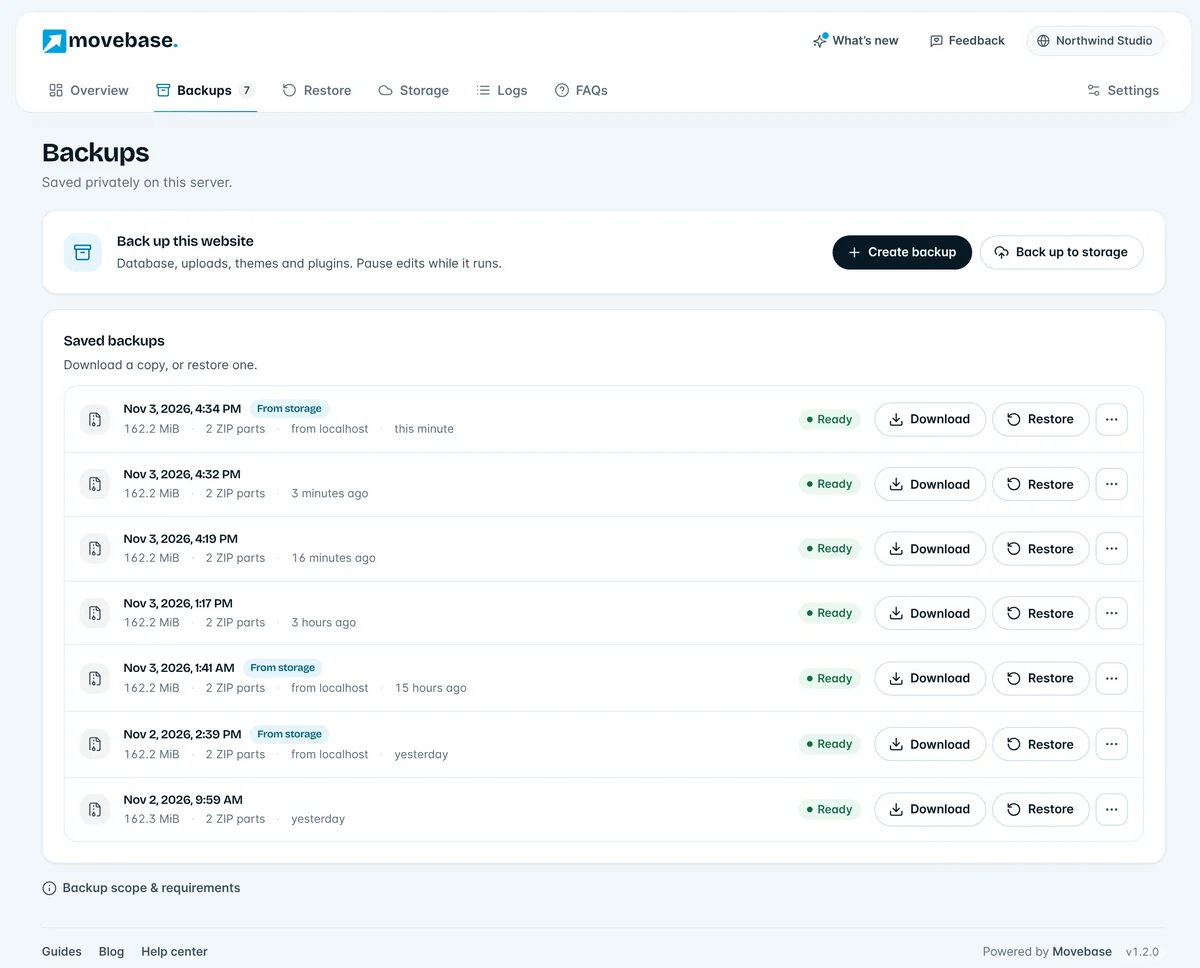
One Click Backs Up The Whole Site
Movebase saves your site in small, saved steps, so a host timeout or a closed tab never starts it over. Large sites are split into numbered parts that stay reliable to download and upload.
- Raises PHP memory by itself, so low-memory hosts work
- Backups live in a private folder outside your public website
- Download any backup, or keep it ready to restore
Restore
Restores You Confirm, Not Hope For
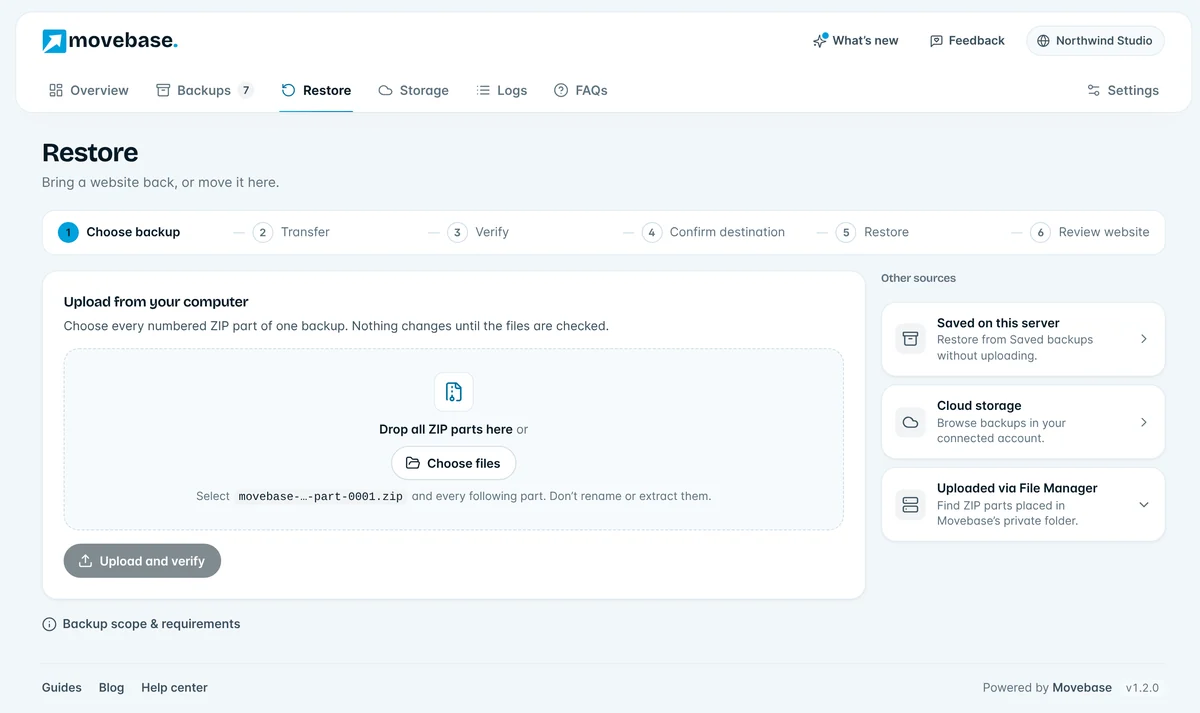
Restore from a saved backup, an upload from your computer, your host’s File Manager or cloud storage. Movebase checks every part first, then asks you to confirm the destination.
- The Restore button stays locked until verification passes
- Shows what will be replaced, including users
- The previous site is kept, so one click undoes it
Status
Plain Answers When Something Needs You
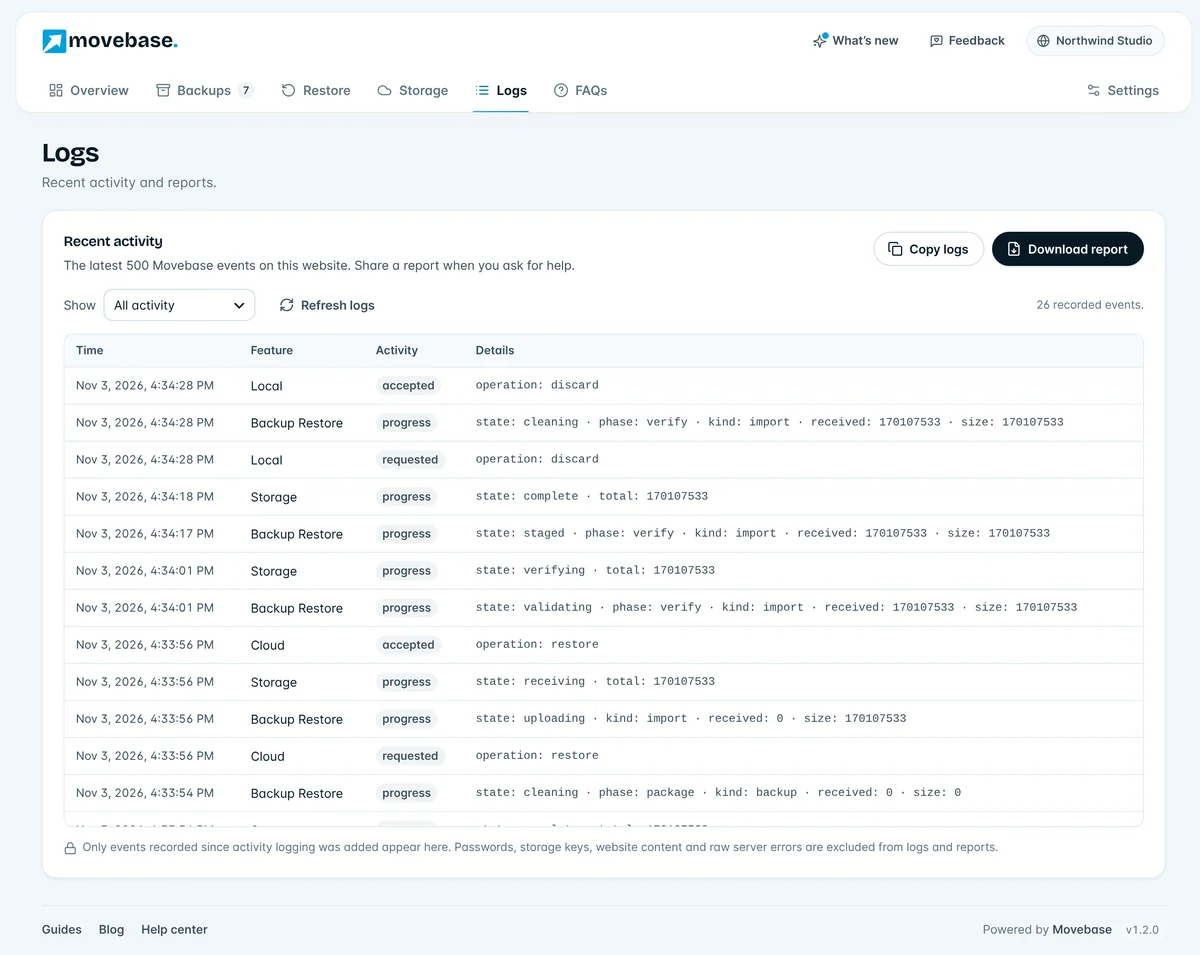
Every task says whether it’s working, waiting for your host, paused or needs attention, with the next step to take. Logs are ready to share and never include passwords, keys or content.
- Never invents percentages, speeds or success
- Checks whether your host keeps working after you close the page
- Copy logs or download a report for support
Why People Trust Movebase
Checked Before Replacement
Every part is checked against its checksum. Restore unlocks only when the backup passes.
Always A Way Back
Your previous site is kept as a recovery copy. Changed your mind? Put it back in one click.
Progress That Survives
Work is saved after every batch. A timeout, a closed tab or a paused host continues from the last step.
Fast On Ordinary Hosting
Short time limits, low memory and blocked background requests are handled, and explained when they matter.
Private By Default
Backups live outside your public website folder. Storage keys are encrypted and never sent to your sites.
Genuinely Free
Backup, restore, migration and your own cloud storage are free. Only Movebase Cloud storage is paid.
Built So A Restore Can’t Surprise You
The decisions behind every screen.
Verified Before Replacement
Every part is checked against its checksum. Restore stays locked until verification passes.
Always A Way Back
The previous site is kept as a recovery copy. Recover it in one click, or with WP-CLI if WordPress can’t open.
Progress That Survives
Work is saved after every batch. A timeout, a closed tab or a paused host continues from the last saved point.
Status You Can Believe
Working, waiting for your host, paused or needs attention: Movebase shows which, and what to do next.
Before You Install
Movebase runs on standard WordPress hosting. Check these once, then create your first backup.
| WordPress | 6.5 or newer |
|---|---|
| PHP | 8.1 or newer, 64-bit, with the ZIP and SQLite3 extensions |
| Database | MySQL or MariaDB with InnoDB tables |
| Sites | Single-site WordPress (multisite isn’t supported yet) |
| Price | Plugin free under GPLv2 or later. Movebase Cloud optional, from $10 a year |